 Robine Studio
User manual
How to use Robine Studio, section by section. The screenshots are taken from the app itself and kept up to date with it.
-
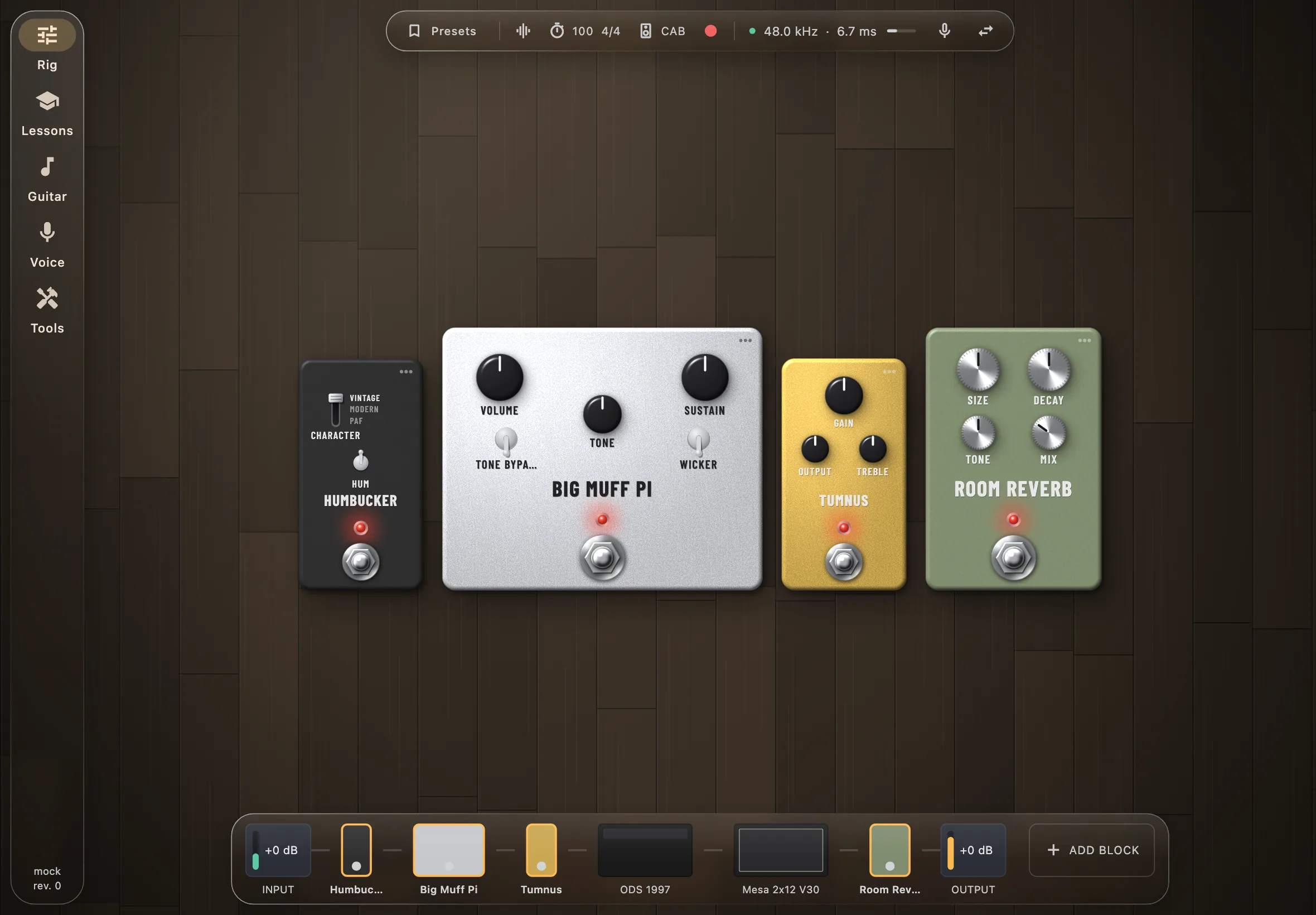 Getting started Choose your audio, find your way around the menu, and play your first notes.
-
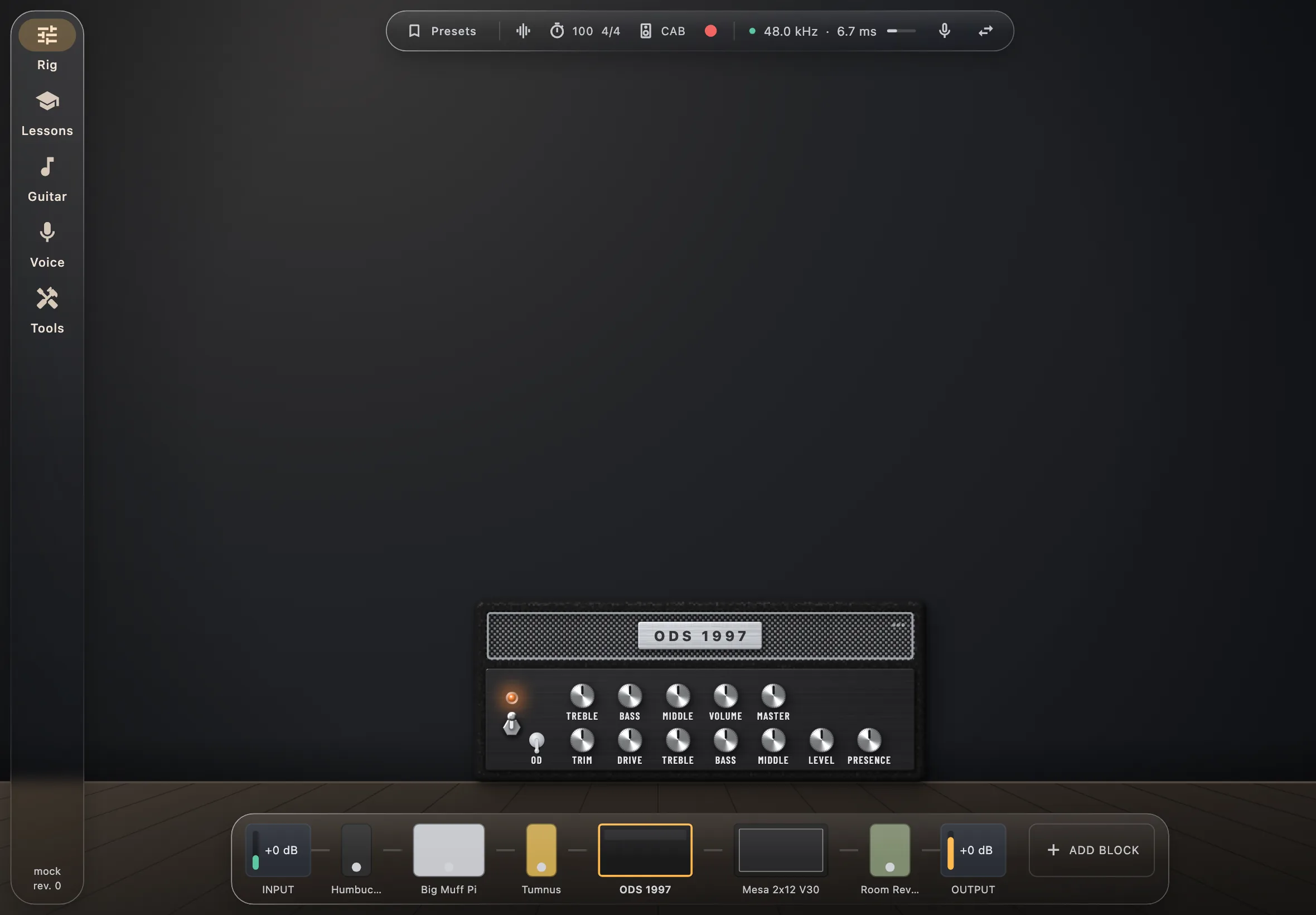 The rig Build your sound from pedals, an amplifier and a cabinet, keep it as a preset, tune up and record.
-
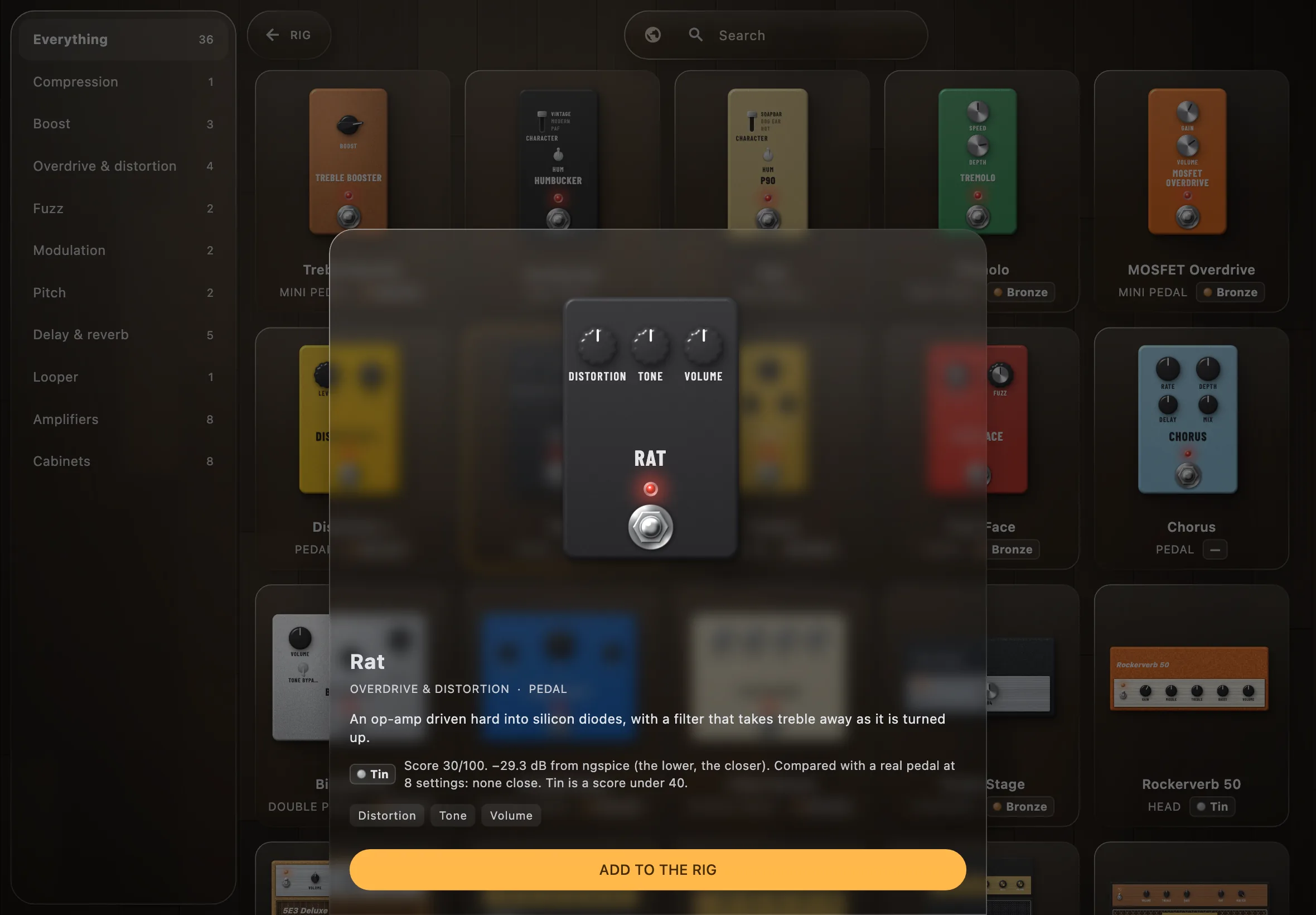 The models Where the pedals of the rig come from, their circuit simulated part by part and measured against the real ones, and the story of each.
-
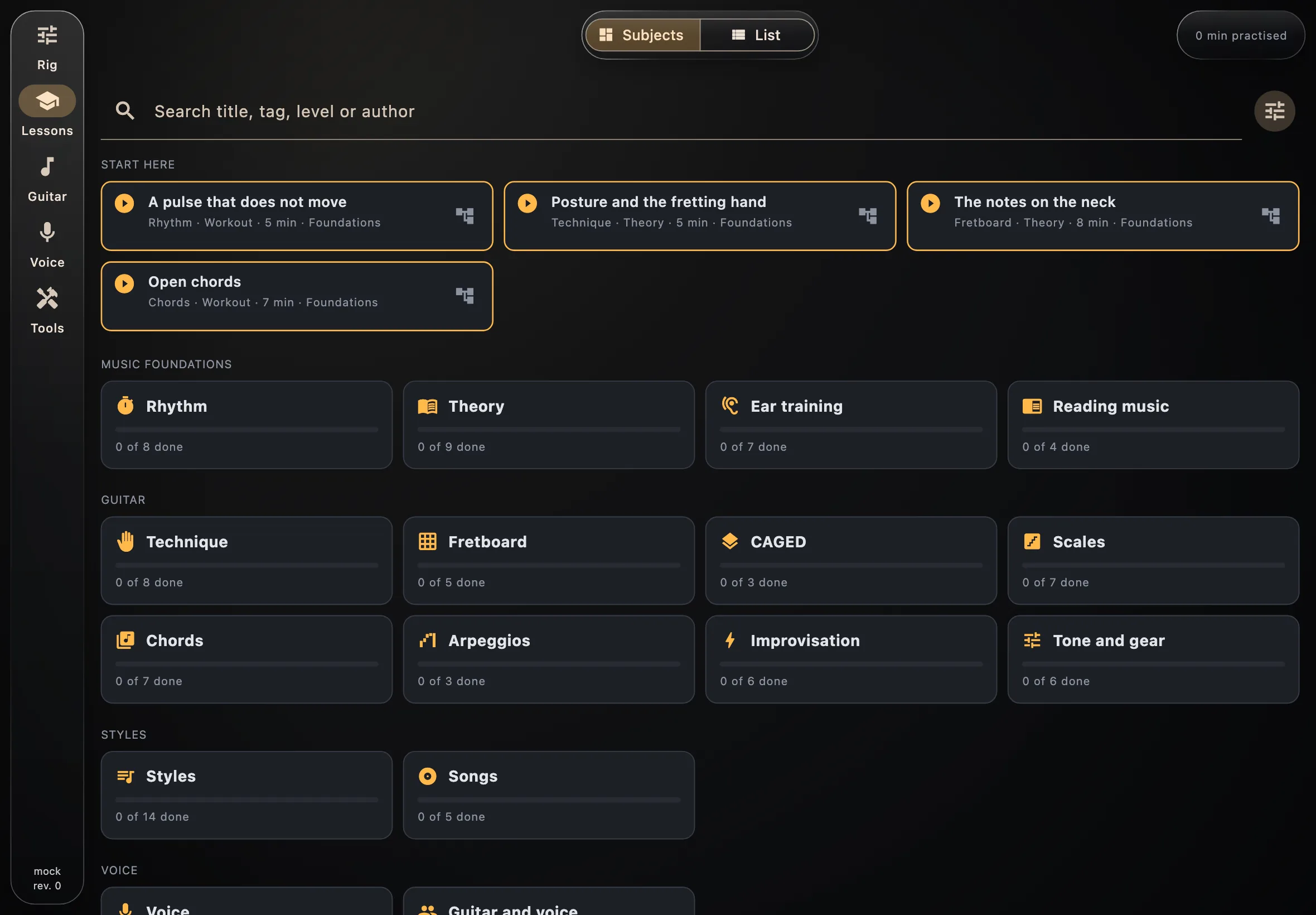 Lessons Theory lessons, timed workouts with scrolling tablature, and the rig each one needs.
-
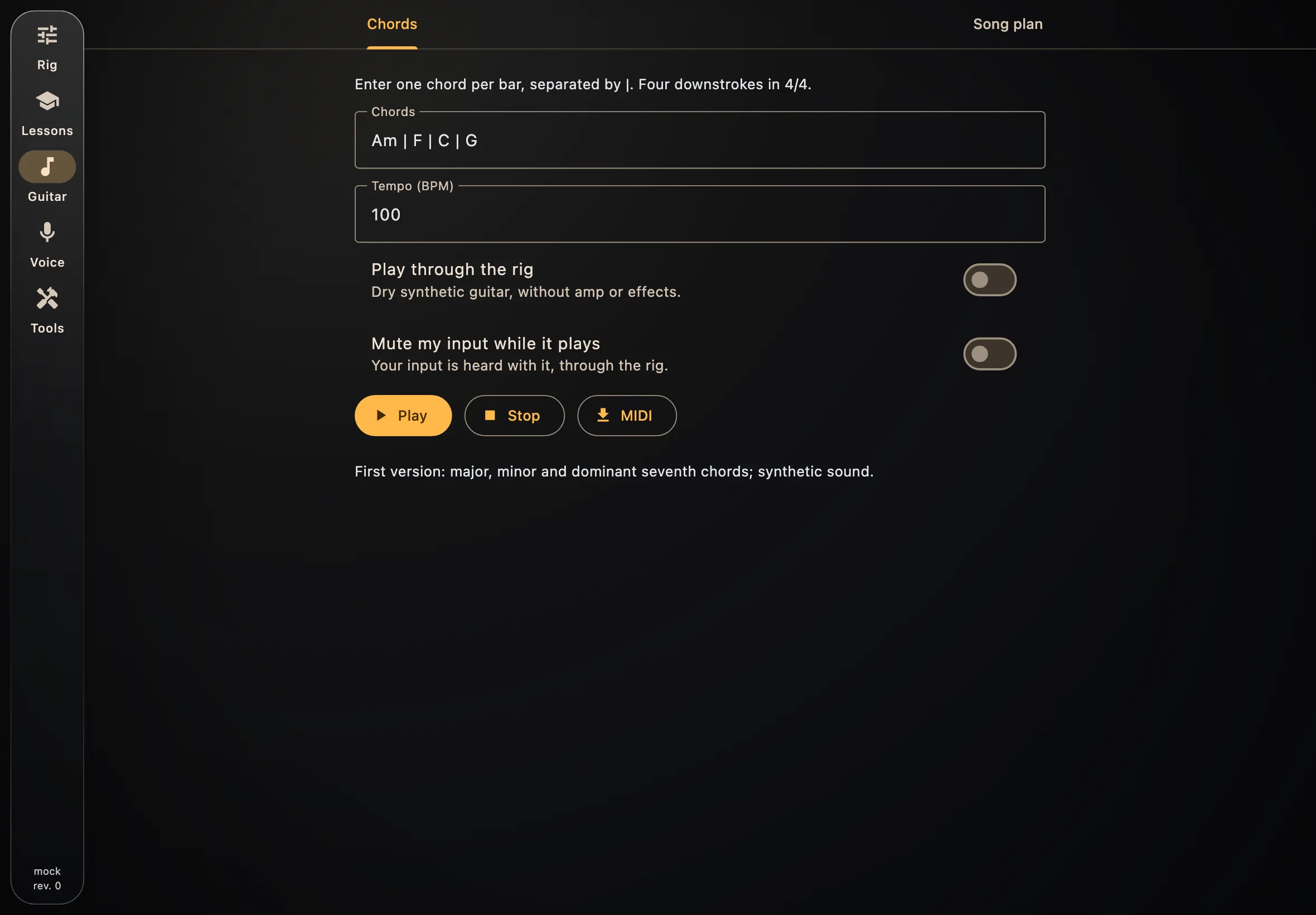 Backing guitar Type a chord progression and have a guitar play it, dry or through your rig.
-
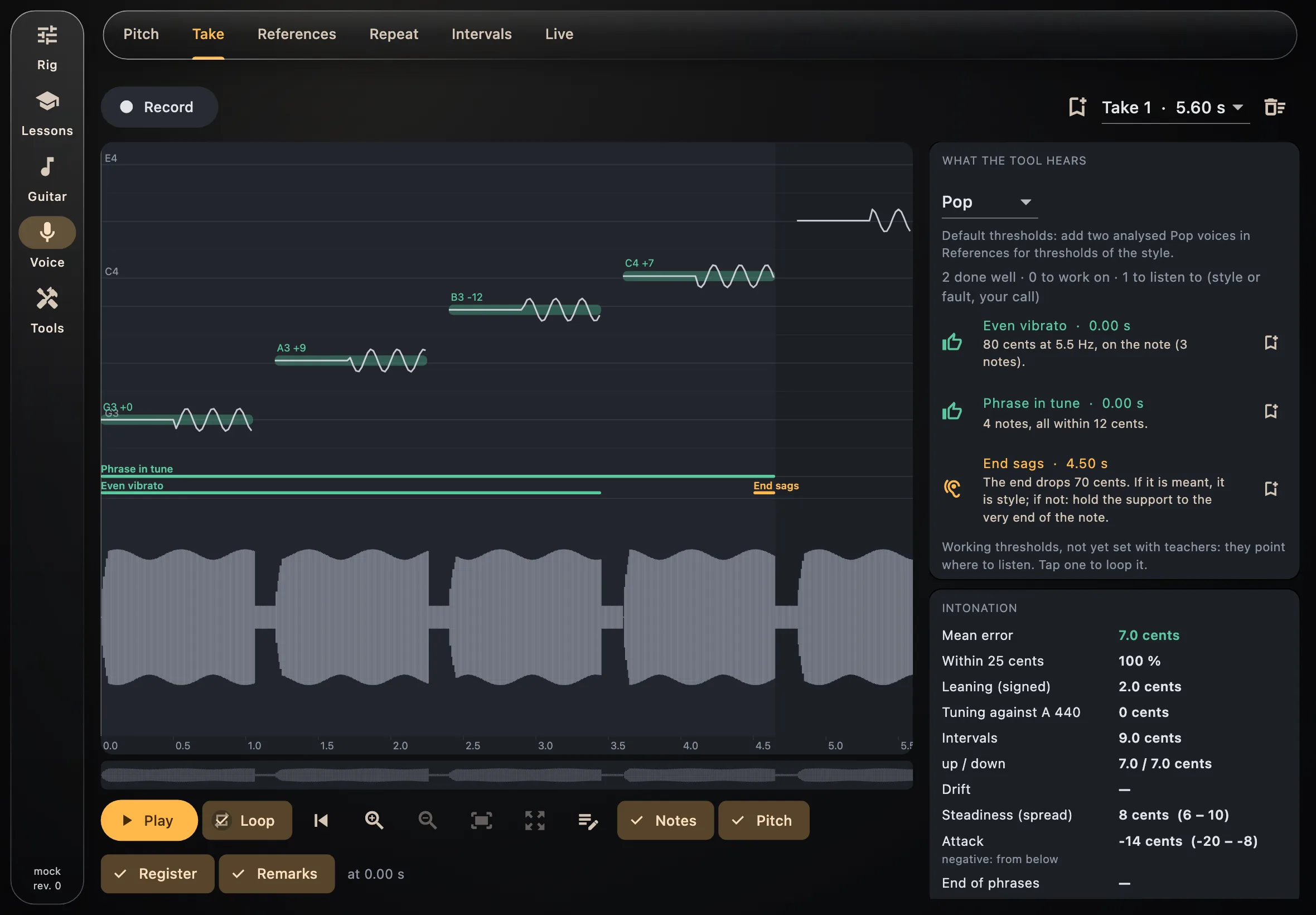 Voice See your pitch as you sing, record a take and have it analysed against the voices of a style, train your ear.
-
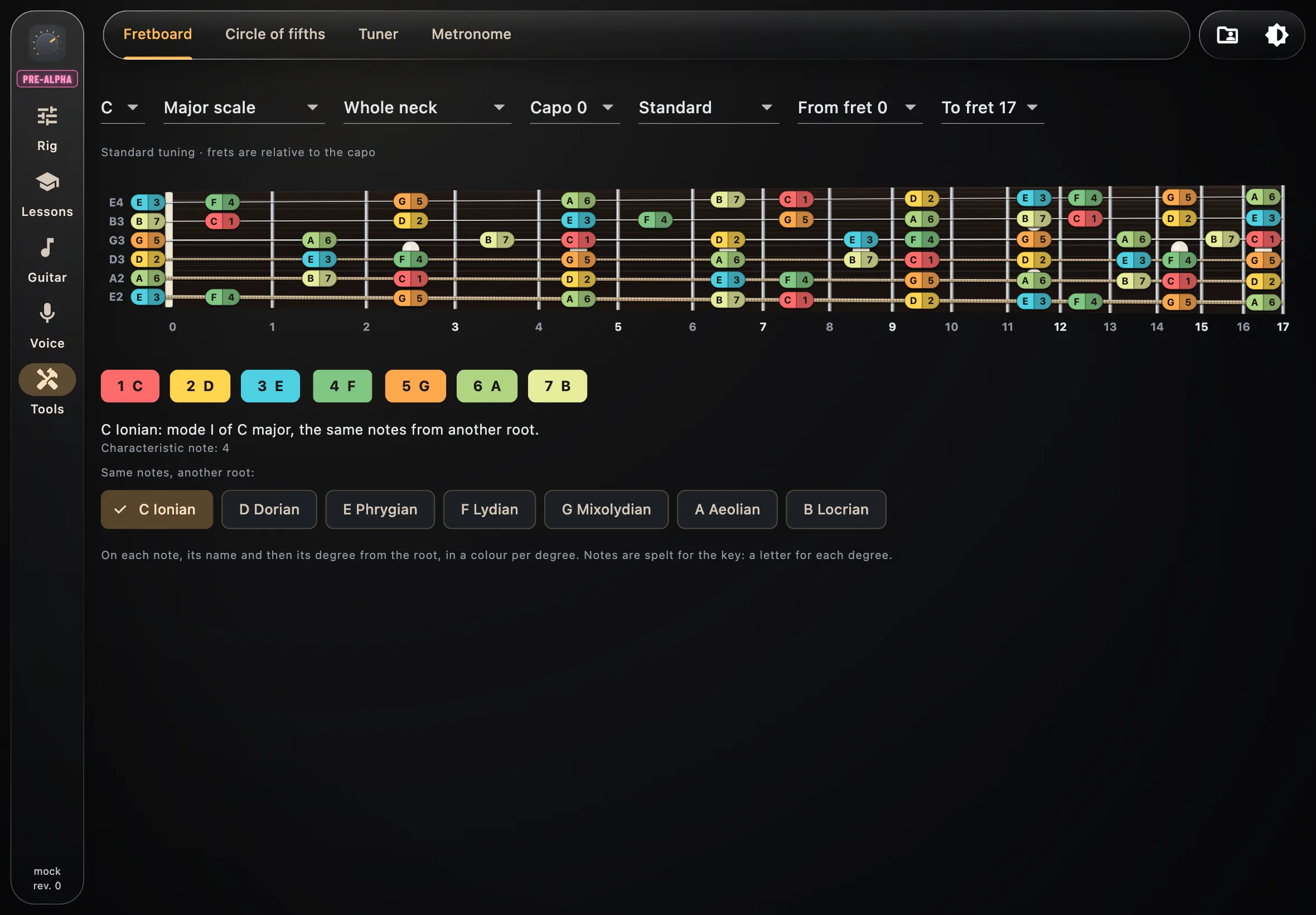 Tools The fretboard with scales, modes, CAGED shapes and three-notes-per-string positions, the circle of fifths, the tuner and the metronome.